Electronic Prescription
The fast track to your medicines
The E-Rezept (e-prescription) enables your doctor to prescribe medication digitally. You can now redeem your prescriptions at the pharmacy in paperless form or manage and order them via the E-Rezept app.

How the E-Rezept works
Issuing of the E-Rezept: Your doctor issues an electronic prescription (E-Rezept) for the medication prescribed for you during the consultation at the surgery or via video. This prescription is entered in the computer at the surgery and stored centrally.
Receiving the E-Rezept: You can now choose how you want to redeem the E-Rezept at the pharmacy: via your SBK healthcare card, your SBK electronic patient record (ePA), the E-Rezept app or a paper copy. A prescription code is automatically generated for each electronic prescription, which is required for redeeming the prescription at the pharmacy.
Redeeming the E-Rezept: Show the prescription code at the pharmacy using your SBK healthcare card, your SBK electronic patient record or the E-Rezept app. You will then receive your medication. Alternatively, you can also redeem the E-Rezept digitally. Select your pharmacy in the E-Rezept app and choose how you want to receive your medication: by reservation and in-person collection, delivery by courier or through an online pharmacy.
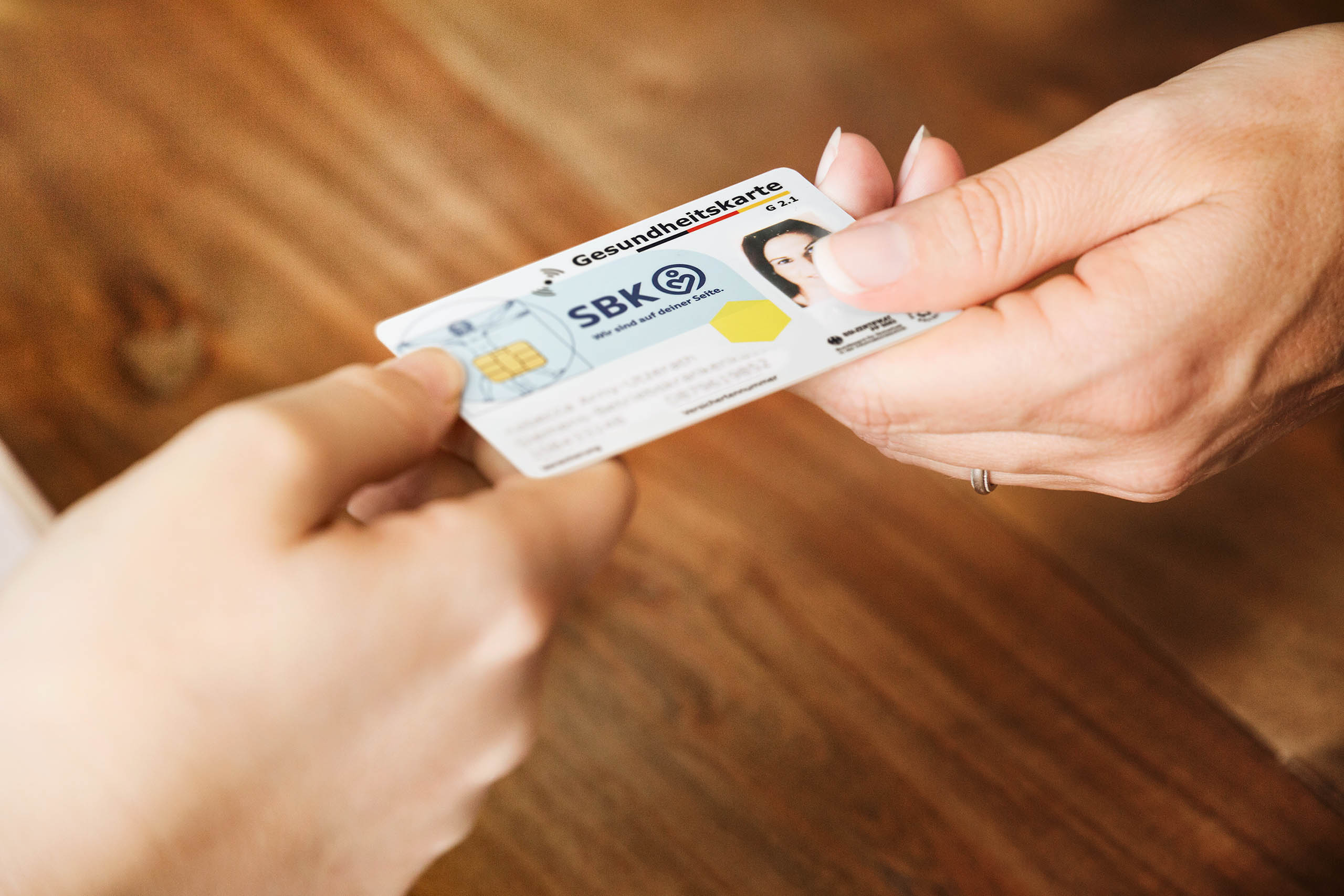
You can redeem the E-Rezept directly at the pharmacy with your SBK healthcare card. Simply insert your SBK healthcare card into the card reader at the pharmacy. The healthcare card serves as a kind of key that allows the pharmacy to retrieve your prescriptions from the prescription memory.
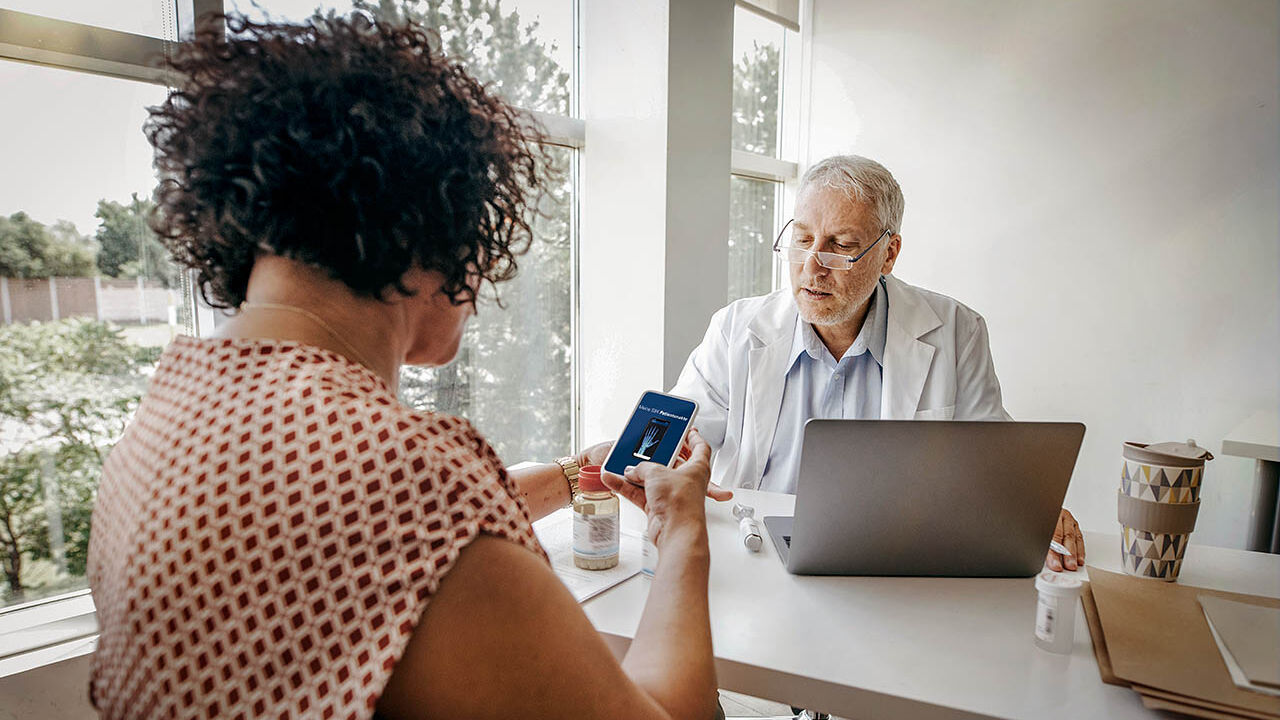
Download the SBK electronic patient record app. The doctor treating you will provide you with the E-Rezept for the app. You can redeem it in person or digitally at the pharmacy. In addition to the E-Rezept, the SBK electronic patient record has further useful functions – for instance, you always have doctor’s letters, medication plans and results with you.
Download the official gematik E-Rezept app. The doctor treating you will provide you with the E-Rezept for the app. You can redeem it in person or digitally at the pharmacy.
Instead of the familiar pink prescription, you will receive a paper copy with a QR code at the doctor’s surgery. The prescription code is scanned at the pharmacy, and you can then collect your medication or order it.
Comparison of the four methods of redeeming the E-Rezept
| SBK healthcare card | SBK electronic patient record (ePA) | E-Rezept app | Paper copy | |
| Digital receipt (without visit to surgery) | yes | yes | yes | no |
| Redeeming digitally for collection or delivery (without visit to pharmacy) | no | yes | yes | yes |
| Redeeming by a representative possible | yes | no | yes | yes |
| Insurants can view their prescription details and history | no | yes | yes | yes |
| Redeeming separate prescriptions | yes | yes | yes | yes |
| Search for pharmacies nearby | no | yes | yes | no |
| Requirements for use | SBK healthcare card | SBK Account | Smartphone with NFC technology + SBK healthcare card with NFC technology + PIN | none |
The app for e-prescriptions
When you use the e-prescription app, you always have your prescriptions handy on your smartphone. The official e-prescription app for Germany was developed by gematik, the National Agency for Digital Medicine.
This is a central app for all those with statutory health insurance and is not a special SBK offer.
Watch the gematik video to see how easy electronic prescriptions are to use and how they can make your everyday life easier.
What you need to use e-prescriptions
Redeeming e-prescriptions with your SBK healthcare card:
To redeem your prescription, simply show your SBK healthcare card at the pharmacy. You do not need your PIN.
Redeeming e-prescriptions with the app for SBK electronic patient record
The SBK electronic patient record app now also allows you to redeem e-prescriptions. Simply download the app
The e-prescription module uses authentication
Redeeming the E-Rezept with the gematik app:
Alternative activation with the SBK Account: Alternatively, you can also activate access to the app via your

Frequently asked questions about the Electronic prescription
Get answers to
Get answers to
This might interest you

Save yourself time with the eAU
Your health information at hand at all times
Your access to all SBK services


