
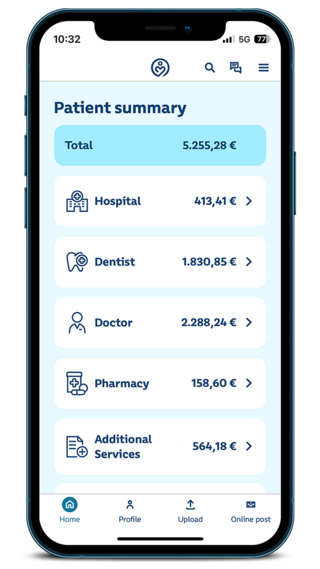
How to get started with Meine SBK
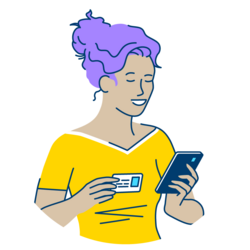
Step 1: Register
Download the Meine SBK app to your smartphone or tablet. You can do this either in the
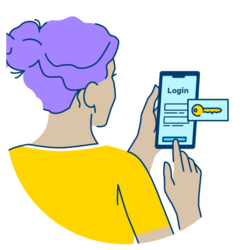
Step 2: Log in - How to log in
Once your account has been activated, you can easily log in with your insurance number and your chosen password.
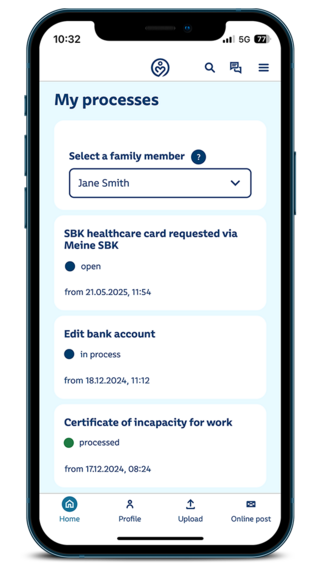
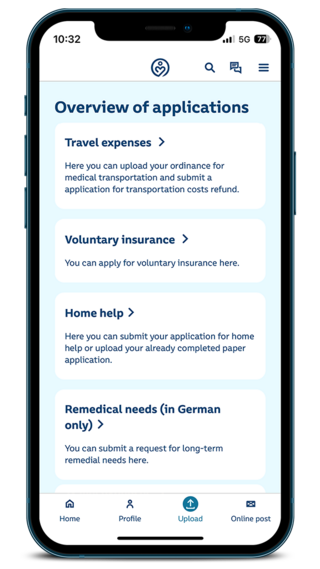
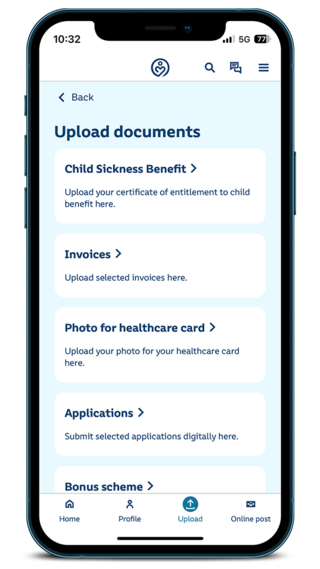
You will then have access to selected online services - submit applications or submit invoices and documents.
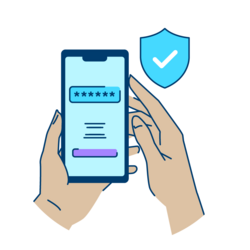
Step 3: Register your device and identify it once
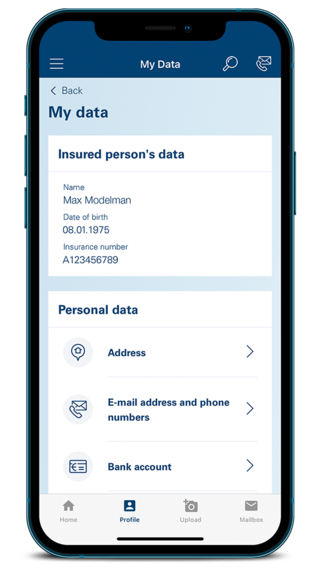
To use specially protected online services, such as changing your personal data, please register your mobile device once:
Would you like to use only the Meine SBK app? Then you can identify yourself using an activation code. You will receive this by mail within three to five days. After that, Meine SBK will be almost fully available to you. More information on specially protected services.
Frequently asked questions
You can find an overview of all frequently asked questions about Meine SBK
Meine SBK Support
If you have any questions about using Meine SBK, you can reach us toll-free within Germany from Monday to Friday between 8 a.m. and 6 p.m. at: